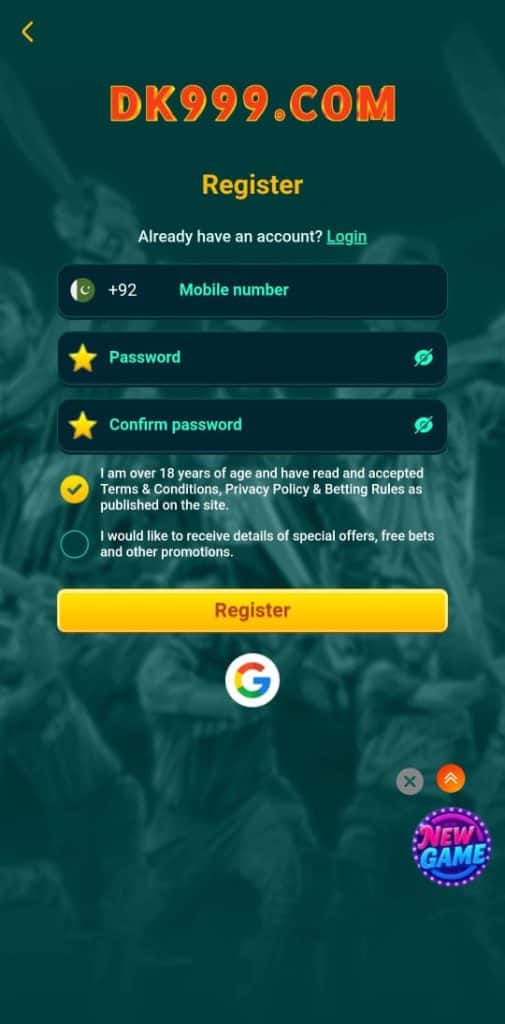
DK999 Register Create a New Account
If you are new, the Register screen lets you create a DK999 account in just one form no documents needed.
What You Need to Register
- A Pakistan mobile number (+92)
- A password you can remember
How to Register
- Tap Register on the login page
- Enter your Mobile Number
- Create a Password
- Confirm the same password again
- Tick the box confirming you are 18+
- Tap the yellow Register button
Your account will be created instantly.
Optional Step
There is a second checkbox that allows DK 999 Game to send special offers and promotions. You can select it only if you want updates.
Account Safety Tips
- Use a number that is active for OTP and withdrawals
- Do not share your password with others
- Use simple letters and numbers (no symbols)
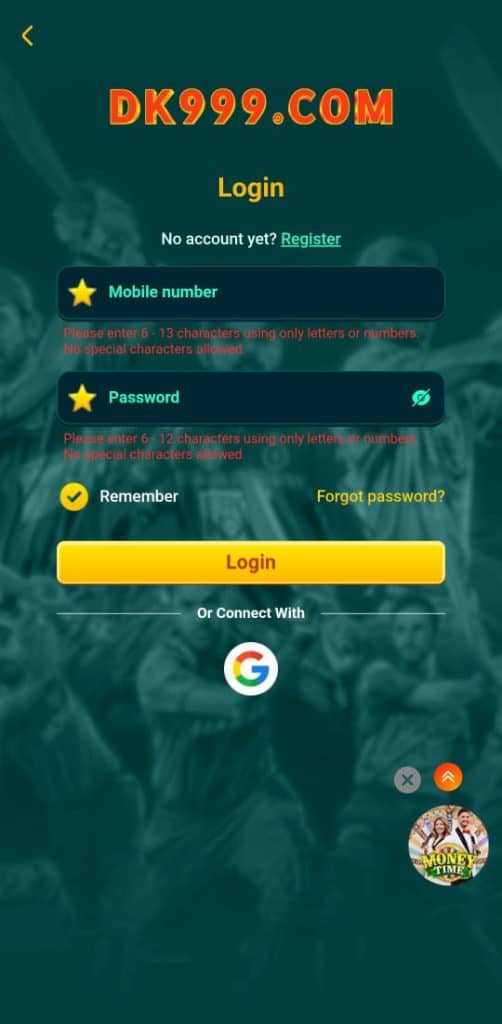
DK999 Login How to Sign In to Your Account
The DK999 Login screen allows players to quickly enter their account and start playing. The login system is designed to be simple and easy for Pakistani users.
Where to Find the Login Screen
When you open the DK 999 App, the first page shows:
- The DK999.com.pk logo at the top
- A yellow Login button
- A link for Register if you are new
How to Login
Follow these steps:
- Enter your Mobile Number (without special characters)
- Enter your Password
- Tick Remember if you want the app to save your login
- Tap the yellow Login button
That’s it — you will be taken to your game dashboard.
Login With Google
If you prefer not to use a phone number:
- Tap the Google icon
- Choose your Gmail account
- Your DK999 account will open automatically
DK999 Forgot Password?
If you don’t remember your password:
- Tap Forgot password?
- Enter your mobile number
- Set a new password through verification
This process takes less than a minute.
Important Login Tips
- Use the same number you registered with
- Password must be letters or numbers only
- Keep your login details private